For some background, I’m currently taking the OSED course. I started in June but my lab time ended in August. I haven’t taken my exam yet so I’d like to emulate what the lab machines looked like through setting up my own virtual machine with Vulnserver to practice. Below I will outline the steps I took to get my machine to simulate a lab environment.
1. Setting up my Windows 10 VM
For this section, I used VMware and set up a simple Windows 10 Pro virtual machine. There are already many guides online so I will skip this part.
2. Setting up WinDBG
For WinDBG, I’m going to download the one on Microsoft’s website instead of the preview edition as that’s what the course teaches.
Windows SDK (comes with WinDBG)
3. Setting up IDA Free
Only the free version of IDA is allowed on the exam, so that is what I download:
4. Process Monitor & Process Hacker
5. Vulnserver
Install Vulnserver from the GitHub repo using the “Download as ZIP” option and extract it to the desktop:
6. Results
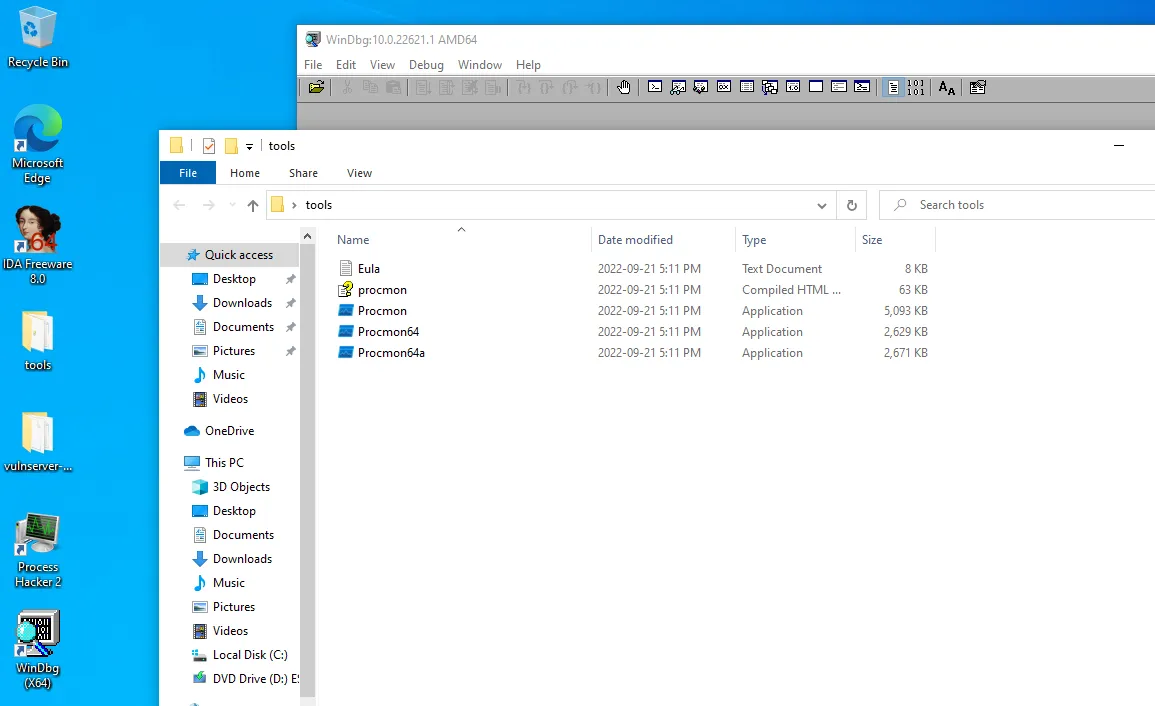
Finally, we get our server up and running on port 9999 of the machine. And now time to do some practice!